
Last updated October 30, 2026
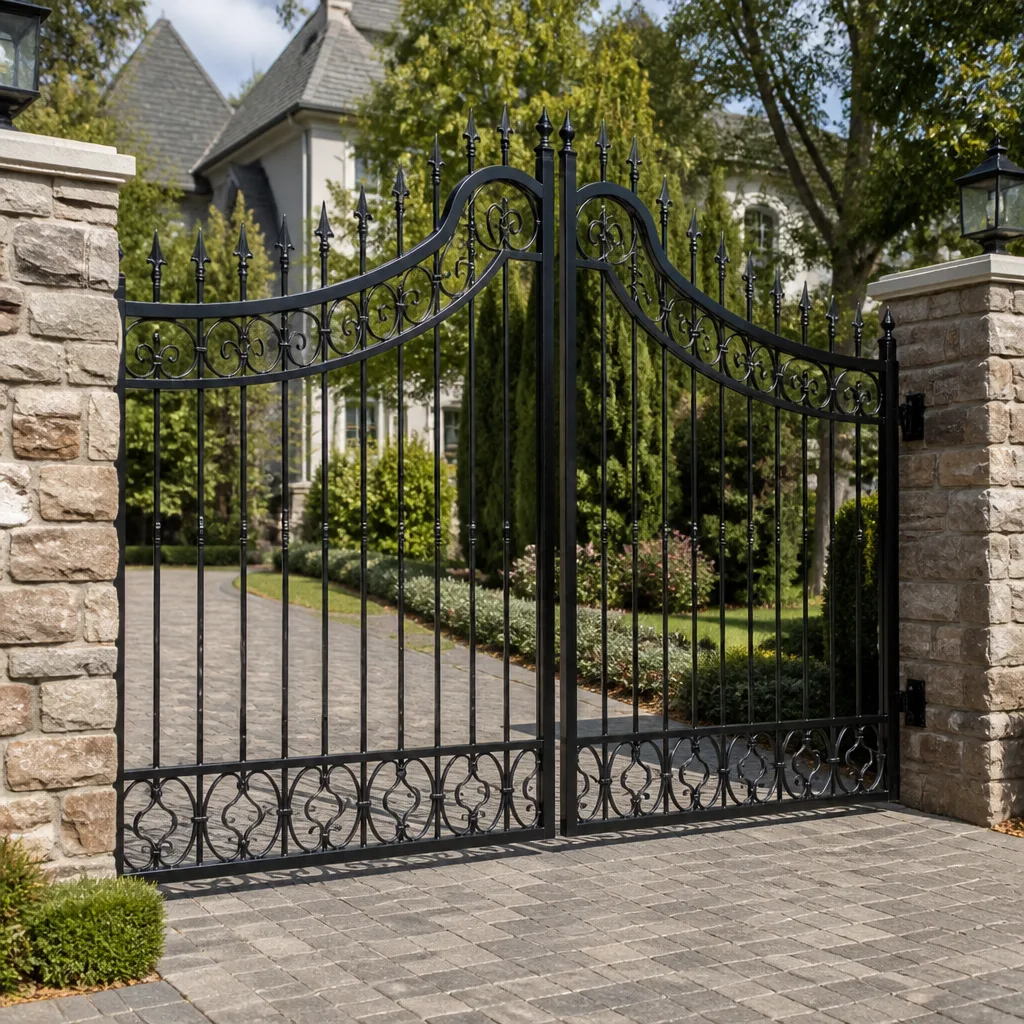 Wrought iron
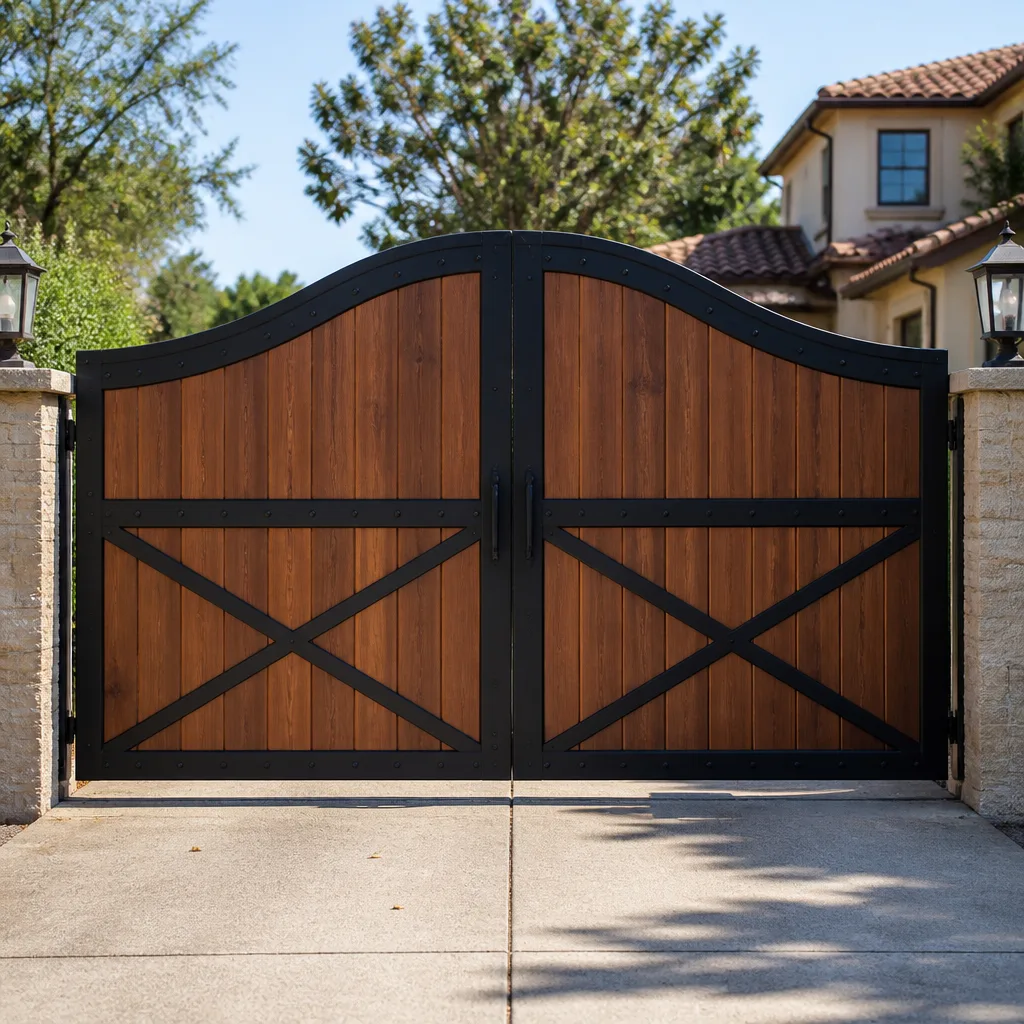 Wood & steel frame
 Farm & ranch
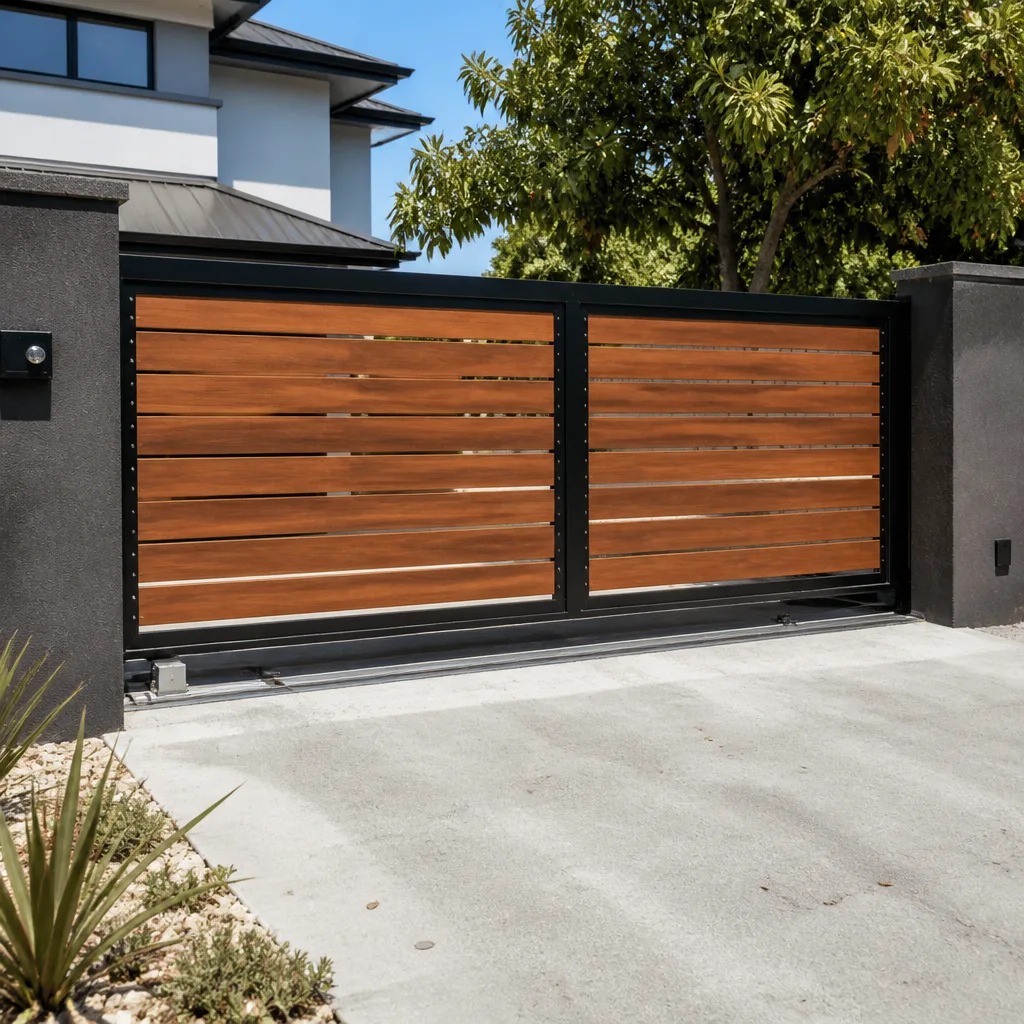 Sliding driveway gates
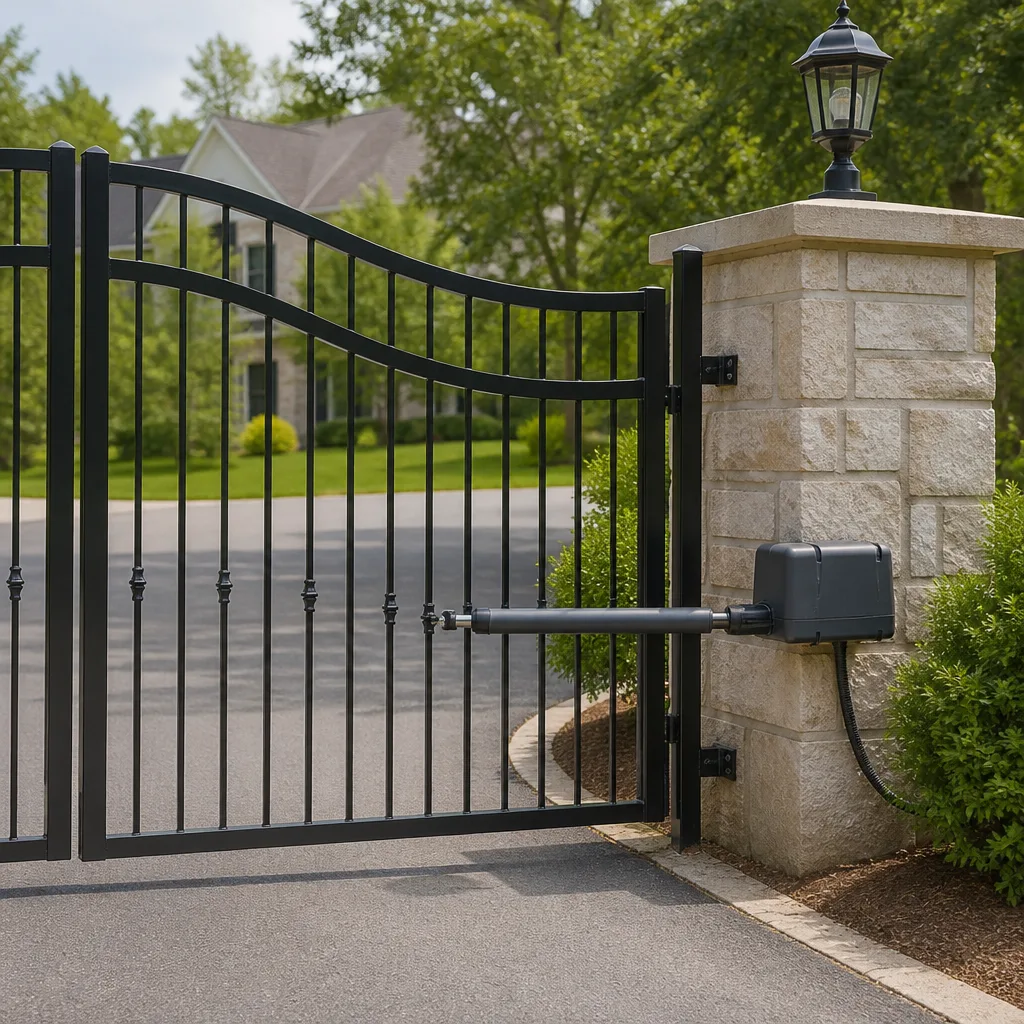 LiftMaster operators
Free on-site gate assessment - hinges, posts, and your LiftMaster or Nice gate operator checked before anything is quoted
The assessment is free and the quote is the invoice.
Get your free estimateGate Repair Troubleshooting: Common Problems and How to Fix Them
Most gate troubleshooting guides tell you to check the power and inspect the sensors, advice so generic it solves nothing. A gate that reverses immediately after opening is almost never a sensor problem. It’s usually a limit switch that has drifted out of calibration, and adjusting the sensors first makes the real problem harder to find. This guide maps specific symptoms to their actual root causes across the mechanical, electrical, and control-system layers of a gate. We’ve built this from years of field diagnostics in West Palm Beach, where salt air, humidity, and afternoon thunderstorms create failure patterns you won’t see in drier climates. By the end, you’ll know which problems you can safely fix yourself and which ones need our Gate Repair services before you make things worse.
Styles & brands we work with
Quick Answer
Gate repair troubleshooting works best when you treat the gate as three connected layers: mechanical (hinges, wheels, tracks), electrical (power supply, wiring, control board), and control (remote, keypad, loop detector). Most symptoms map predictably to one layer, and skipping layers causes misdiagnosis. Start with the symptom, not the checklist. Many West Palm Beach gate failures trace back to corroded connections, water intrusion into control boards, or limit switches knocked out of calibration by storms, not to failed motors.
Table of Contents
- The Symptom-First Diagnostic Tree
- The Three-Layer Diagnostic Framework
- Gate Won’t Open at All
- Gate Opens Partially or Stops Mid-Travel
- Gate Reverses Immediately After Opening or Closing
- Gate Won’t Close
- Gate Beeps Repeatedly or Shows Error Codes
- Grinding Noises and Slow Movement: When to Stop Touching It
- Common Mistakes to Avoid
- When to Call a Professional
- Frequently Asked Questions
- The Bottom Line
The Symptom-First Diagnostic Tree
Checklists that start with “inspect the power supply” assume the gate has one failure mode. Real gates don’t work that way. A gate that won’t open has a different failure profile than a gate that opens halfway, and a gate that beeps repeatedly is telling you something specific if you know how to listen. Here is how the most common symptoms map to their statistically dominant causes across the thousands of gates we’ve diagnosed in West Palm Beach.
Won’t open at all: Power failure, tripped breaker, dead remote battery, or a control board that has lost programming. In West Palm Beach, storm-related power surges are the leading cause of boards that go dark without warning.
Opens partially, then stops: Obstruction in the track, a wheel that has jumped the rail, or a limit switch that has shifted. Partial travel followed by a clean stop is mechanical or limit-related roughly 80% of the time.
Reverses immediately after opening: Limit switch drift or a safety edge fault, not a sensor misalignment. The gate reaches its open limit, thinks it has hit an obstacle, and reverses. Adjusting photocells first is the classic mistake here.
Won’t close: Blocked or misaligned photocells, a failed loop detector that still thinks a car is present, or a safety edge that has shorted closed. This is the symptom where the control layer is most often the culprit.
Beeps repeatedly or shows error codes: The control board is flagging a specific fault. On LiftMaster and FAAC boards, repeated beeps often indicate a force profile error or a disconnected safety device. The board will not tell you the fix, but it will narrow the search.
Slow movement or grinding: This is the dangerous one. Grinding means metal-on-metal contact in the drive train. Slow movement often means the motor is pulling excessive current. Both are signs of imminent catastrophic failure, and continuing to operate the gate can destroy the operator. Stop using the gate and call a professional.
The Three-Layer Diagnostic Framework
Every automated gate, from a DIY-installed Mighty Mule on a residential driveway to a commercial-grade BFT operator on a West Palm Beach warehouse entrance, operates on three layers. When a gate misbehaves, the failure lives in one of these layers. Skipping a layer is how a homeowner replaces a perfectly good control board when the real problem was a corroded wire nut.
Layer 1: Mechanical
This is everything that moves: hinges, wheels, tracks, chains, belts, and the gate leaf itself. Mechanical failures announce themselves with physical symptoms, grinding, binding, sagging, or visible misalignment. On cantilever and sliding gates, wheel wear is the most common mechanical failure we see in West Palm Beach, where sandy soil works its way into bearing surfaces. On swing gates, hinge sag from years of exposure to coastal humidity causes binding at the latch post.
Layer 2: Electrical
This is power delivery: the breaker, the disconnect switch, the wiring run from the house to the operator, and the low-voltage system that drives the control board. In West Palm Beach, electrical failures cluster around moisture. Underground conduit that was not sealed properly fills with water after heavy rain. Corrosion builds on terminal connections. A gate that works fine all winter and starts failing in July is often fighting a heat-expanded solder joint or a connection that has corroded just enough to increase resistance.
Layer 3: Control
This is the brain: the control board, the remote receivers, the keypad, the loop detector, the photocells, and the safety edges. Control-layer failures are the most misdiagnosed because the symptoms often look mechanical. A gate that reverses for no reason is usually a control input telling the operator to reverse, not a mechanical obstruction. This is where brand expertise matters. A LiftMaster board and a FAAC board may flag the same symptom with completely different error codes. Electric gate repair at this layer requires reading the specific machine in front of you, not applying a generic flowchart.
Gate Won’t Open at All
This is the most common emergency call we get in West Palm Beach, often at the worst possible moment, like a driveway gate that won’t open at 7 a.m. on a workday. Here is the diagnostic sequence in order of likelihood, and the steps a homeowner can safely perform before calling anyone, or check out Gate Repair Warning Signs: A West Palm Beach Homeowner’s Reference Guide for additional context.
- Check the manual release.Every automated gate has a manual release mechanism, usually a keyed cylinder or a pull handle on the operator. If the gate opens freely by hand, the mechanical layer is fine and the problem is electrical or control. If the gate is hard to move manually, the problem is mechanical, and you should stop forcing it.
- Check the breaker and the disconnect switch. Most residential gate operators are on a dedicated circuit. In West Palm Beach homes built before the 2010s, gate circuits are sometimes shared with outdoor lighting or pool equipment, and a tripped GFCI elsewhere kills the gate. Reset the breaker once. If it trips again, do not reset it repeatedly, you have a short that needs a professional.
- Check the remote battery. This sounds obvious, but we have diagnosed more dead remotes than any other single cause of “the gate won’t open.” Replace the battery with a fresh one. If the gate still doesn’t respond, test the wall button or keypad. If the keypad works but the remote doesn’t, the problem is isolated to the remote or receiver.
- Look at the control board LEDs. Most modern operators, including LiftMaster, FAAC, and BFT, have diagnostic LEDs on the control board. A board with no lights at all means no power is reaching the board, even if the breaker is on. A board with flashing lights is usually flashing a code. Look up the code for your specific brand before touching anything else.
- If nothing responds, call a specialist. A dead board with power at the terminal block means the board itself has failed, often from a power surge or water intrusion. Sovereign Gate Repair replaces failed control boards across all major brands, and we carry or can source boards for older systems that single-brand dealers won’t touch.
Gate Opens Partially or Stops Mid-Travel
A gate that opens partway and stops is a different animal from a gate that won’t open at all. Partial travel means the motor is running, the control board is processing commands, and something is interrupting the movement. In West Palm Beach, the most common culprits are track obstructions from windblown debris, wheels that have jumped the rail after a storm, and limit switches knocked out of position by repeated hard stops.
What to Check Before Touching Anything
- Walk the full length of the track. Look for debris in the track channel, a bent section of rail, or a wheel that is sitting next to the rail instead of on it. Most of the time, this takes thirty seconds and reveals the problem.
- Check for sag. On a sliding gate, a single sagging section of the leaf can cause the drive wheel to lose traction. On a swing gate, a sagging leaf drags on the ground and stalls the operator.
- Look at the limit switches. These are small mechanical or magnetic switches that tell the operator where “open” and “closed” are. If one has shifted, the gate stops early because it thinks it has reached its destination. This is a calibration issue, not a parts failure.
If the track is clear and the gate still stops mid-travel, the next test requires a multimeter. You’re checking whether the operator is receiving consistent voltage through the full travel range. A voltage drop halfway through the cycle often indicates a damaged wire inside the conduit that only separates under tension. This is not a repair a homeowner should attempt on a live circuit. It’s also the kind of intermittent fault that comes and goes with temperature changes, which makes it frustrating to diagnose without proper tools.
Gate Reverses Immediately After Opening or Closing
This is the symptom where generic troubleshooting advice does the most harm. A gate that reverses right after reaching its open or closed position is almost always a limit switch issue or a safety edge fault, not a photocell problem. But most online guides tell you to clean and realign the sensors first. When you do that, you change a variable that wasn’t broken, and now you have two problems to solve.
Here’s what is actually happening. When the gate reaches its limit, the operator expects a signal that says “stop here.” If the limit switch has drifted, the gate hits the physical stop before the switch trips. The operator feels the resistance, interprets it as an obstacle, and reverses. This is a calibration issue, and it often gets worse over time because every hard stop pushes the limit switch further out of position.
On gates with a safety edge, which is a pressure-sensitive strip along the leading edge of the gate leaf, a worn or water-damaged edge can send a constant “obstacle detected” signal. In West Palm Beach, safety edges fail more often than in drier regions because moisture penetrates the casing and corrodes the internal contacts. If the gate reverses every time it tries to close, even when nothing is in the way, a shorted safety edge is the prime suspect.
The fix, in most cases, is recalibrating the limit switches and testing the safety edge with a multimeter for continuity. The recalibration procedure varies by brand, and getting it wrong can cause the gate to over-travel and damage the operator. If you’re not confident reading the manual for your specific model, or if the manual is long gone, this is a job for a technician who works on your brand regularly. We service LiftMaster, FAAC, BFT, Linear, and five other brands, so we usually have the calibration procedure memorized before we arrive.
Gate Won’t Close
A gate that opens but refuses to close is a safety system doing its job, or a safety system that has failed. The operator will not close the gate if any safety input is telling it there’s an obstruction. The question is whether the input is real or false.
The sources of a false “obstruction” signal, in order of frequency:
- Misaligned or dirty photocells. Photocells sit on opposite sides of the gate opening, one transmitting and one receiving. If they fall out of alignment, sunlight hits the receiver at the wrong angle, or dirt builds up on the lens, the system thinks something is in the way. Cleaning the lenses is a safe homeowner task. Realigning them requires patience but no special tools.
- A failed loop detector. Loop detectors sense the metal mass of a vehicle over a buried loop of wire in the driveway. If the loop detector locks into “vehicle present” mode, the gate will never close on its own because it’s waiting for the car to move. This is common in West Palm Beach after heavy rain, when the loop wire or its splice gets wet. Resetting the loop detector sometimes clears it. Replacing a failed loop requires saw-cutting the driveway to install new wire, a job for a professional.
- A stuck or corroded safety edge. As described above, a safety edge that reads “pressure” constantly will keep the gate from closing. Disconnect the safety edge at the board, if you’re comfortable doing so, and see if the gate closes. If it does, the edge is the problem.
- A control board that has lost its force settings. Some operators will refuse to close if the closing force is set too low, because the board anticipates a stall. This is a programming issue that requires the manual for your specific model.
Gate Beeps Repeatedly or Shows Error Codes
A beeping gate operator is trying to tell you something specific. The problem is that the language varies by brand, and generic advice ignores that entirely. We work factory-familiar with nine gate brands, including LiftMaster, FAAC, BFT, and Linear, and the error code that means “force limit exceeded” on one brand means “AC power failure” on another.
Here’s what to do when your gate starts beeping:
- Count the beeps. Most operators use a beep pattern to indicate a fault code. Two beeps, pause, two beeps is different from three beeps, pause, three beeps.
- Find the brand-specific code chart. Your operator’s manual has the translation. If the manual is gone, the manufacturer’s website usually has a PDF. This is not a step to skip, guessing based on a different brand’s code chart leads to replacing the wrong part.
- Document what you find. If you call a repair service, write down the beep pattern and any flashing LED sequence on the board. A good technician will ask for this before they arrive.
Common beep patterns we hear about in West Palm Beach include a continuous beep that indicates a dead battery on a gate with battery backup, a repeated double-beep that indicates a force profile fault, and a triple-beep that indicates a disconnected safety device on many LiftMaster models. None of these are fixed by power cycling the operator, though a brief power cycle can sometimes clear a transient fault and is worth trying once.
Grinding Noises and Slow Movement: When to Stop Touching It
Most of this guide has been about diagnosing problems methodically. This section is about knowing when to stop. A gate that moves slowly or makes grinding noises is not a troubleshooting puzzle. It’s a machine telling you that something mechanical is failing, and every additional cycle you run is doing permanent damage.
Grinding means metal parts are touching in ways they aren’t designed to. On a sliding gate, it’s usually a drive gear that has worn teeth or a chain that has lost tension and is slipping on the sprocket. On a swing gate, it’s often a hinge that has seized or an operator arm that has bent. In either case, the motor is fighting against abnormal resistance, drawing more current than it’s rated for, and cooking itself in the process.
Slow movement is the canary. A gate that used to open in twelve seconds and now takes twenty is telling you that the motor is under load, the capacitor is failing, or the drive train is binding. If you keep using the gate, the motor will eventually burn out, and you’ll go from a $200 repair to a $1,200 operator replacement. The mechanical fix, replacing a worn gear or freeing a seized hinge, is cheap and straightforward when caught early. The electrical fix, replacing a burned-out motor, is not.
If your gate is grinding, moving slowly, or smells hot after operation, stop using it. Disengage the manual release and operate it by hand until a professional can look at it. This is not a place for a homeowner with a wrench and a YouTube video. This is a place for a specialist who has seen this exact failure pattern before and can tell the difference between a bad gear and a bad bearing before taking anything apart.
In West Palm Beach, salt air accelerates this whole process. Metal parts that would last twenty years in Arizona might last twelve in coastal Florida. If your gate is within a mile of the Intracoastal or the ocean, expect accelerated wear on every exposed metal component, and budget for proactive maintenance rather than waiting for the grinding to start.
Common Mistakes to Avoid
- Power cycling the operator repeatedly. One reset after a storm is fine. Five resets in an hour means something is wrong, and repeated resets on a board that is already failing can push it over the edge. We see this every hurricane season in West Palm Beach, homeowners who turn a repairable board into a replacement by resetting it twenty times.
- Adjusting photocells when the problem is a limit switch. This is the big one. Photocell adjustment is the default first move in every generic guide, and it changes a variable that wasn’t broken. Now the gate has two faults, and the original one is harder to find.
- Lubricating everything with WD-40. WD-40 is a solvent, not a lubricant. It strips existing grease and leaves metal parts drier than before. Use lithium grease on hinges and wheels, and only after cleaning the old grease off. On some gate tracks, lubrication is actually wrong, it attracts sand and accelerates wear.
- Forcing a gate that has jumped its track. If a wheel is off the rail, do not run the operator. You’ll bend the track, damage the wheel, and possibly twist the gate leaf. Disengage the operator and wait for a professional.
- Ignoring a slow gate because it still works. Slow movement is a pre-failure symptom. Every month you ignore it increases the repair bill. In West Palm Beach’s humid climate, a failing capacitor that causes slow movement can overheat and damage the control board it sits next to.
- Replacing a remote before checking the receiver. If the remote has a fresh battery and the LED lights up but the gate doesn’t respond, the problem may be the receiver on the board, not the remote. We’ve had customers buy two or three new remotes before calling us, when the original remote was fine all along.
When to Call a Professional
Some gate problems are safe and satisfying to fix yourself: cleaning photocell lenses, replacing a remote battery, clearing debris from a track. Others require a multimeter, a brand-specific error code chart, or experience with the failure pattern. Here’s the line: if the problem involves live wiring, control board diagnostics, limit switch calibration, or a mechanical failure that is making noise, call a professional. If the gate is grinding, moving slowly, or has stopped working entirely after a storm, call a professional. Gate repair in West Palm Beach is what we do every day, and we’d rather diagnose a small problem over the phone than replace a motor someone fried trying to fix it themselves. Sovereign Gate Repair offers free estimates in West Palm Beach, call (855) 360-5979.
Frequently Asked Questions
A gate that opens but won’t close is almost always a safety input reading an obstruction. The usual causes are misaligned photocells, a failed loop detector that thinks a vehicle is still present, or a shorted safety edge. Clean the photocell lenses first, then check whether the loop detector’s indicator light is stuck on. If neither fixes it, the safety edge or the board needs testing with a multimeter.
Gate repair costs in West Palm Beach vary widely by system and failure type. A remote battery replacement is under ten dollars. A new safety edge runs $80 to $200 installed. A control board replacement is typically $300 to $700 depending on brand. A full operator replacement starts around $800 and goes up for commercial-grade FAAC or BFT systems. The cheapest repair is the one that catches a failing component before it takes out the operator with it. Call (855) 360-5979 for an exact quote on your system, estimates are free.
A continuous beep on most gate operators indicates a specific fault, often a dead battery on a battery-backup unit, a disconnected safety device, or an AC power failure. The beep pattern maps to a fault code in your operator’s manual. Different brands use different codes, so a beep that means “battery low” on a LiftMaster means something entirely different on a BFT.
You can assess the situation, but do not run the operator. Disengage the manual release and check whether a wheel is fully off the rail. If the gate is still on its wheels but binding, you may be able to remove debris. If a wheel is off the rail, the gate leaf is under tension and forcing it can bend the track or damage the operator. This is a job for a professional with the right lifting equipment.
A gate that stops midway but still responds to commands is usually hitting a limit switch that has drifted out of position or encountering a track obstruction. Check the track for debris first, then look at the limit switches. If the gate stops at the exact same spot every time, it’s a limit issue. If it stops at random points, the problem is more likely electrical or load-related.
In West Palm Beach’s salt air and humidity, a gate motor is doing well if it lasts ten to twelve years. The same motor in a dry inland climate might last fifteen or more. Salt corrosion on terminals, moisture intrusion into the housing, and heat stress from summer sun all shorten lifespan. Regular inspection of connections and seals can add years, but coastal gates need more maintenance than the same system installed in Orlando.
The Bottom Line
Gate troubleshooting is a diagnosis skill, not a checklist. The symptom tells you which layer to investigate: mechanical for grinding and binding, electrical for power loss and intermittent operation, control for reversing, refusing to close, and beeping. Match the symptom to the layer, rule out the most common cause in that layer, and only then move to the next possibility. In West Palm Beach, where salt air and afternoon storms stress every component, proactive maintenance beats reactive repair every time. If you’re stuck, or the problem involves live wiring, control boards, or a grinding noise, gate installation and repair specialists like our team at Sovereign Gate Repair can diagnose it properly. Call (855) 360-5979 for a free estimate, we’ll tell you what’s wrong and what it costs to fix before any work begins.
Written by the team at Sovereign Gate Repair, serving West Palm Beach since 2015. Explore more guides & resources.
See the difference
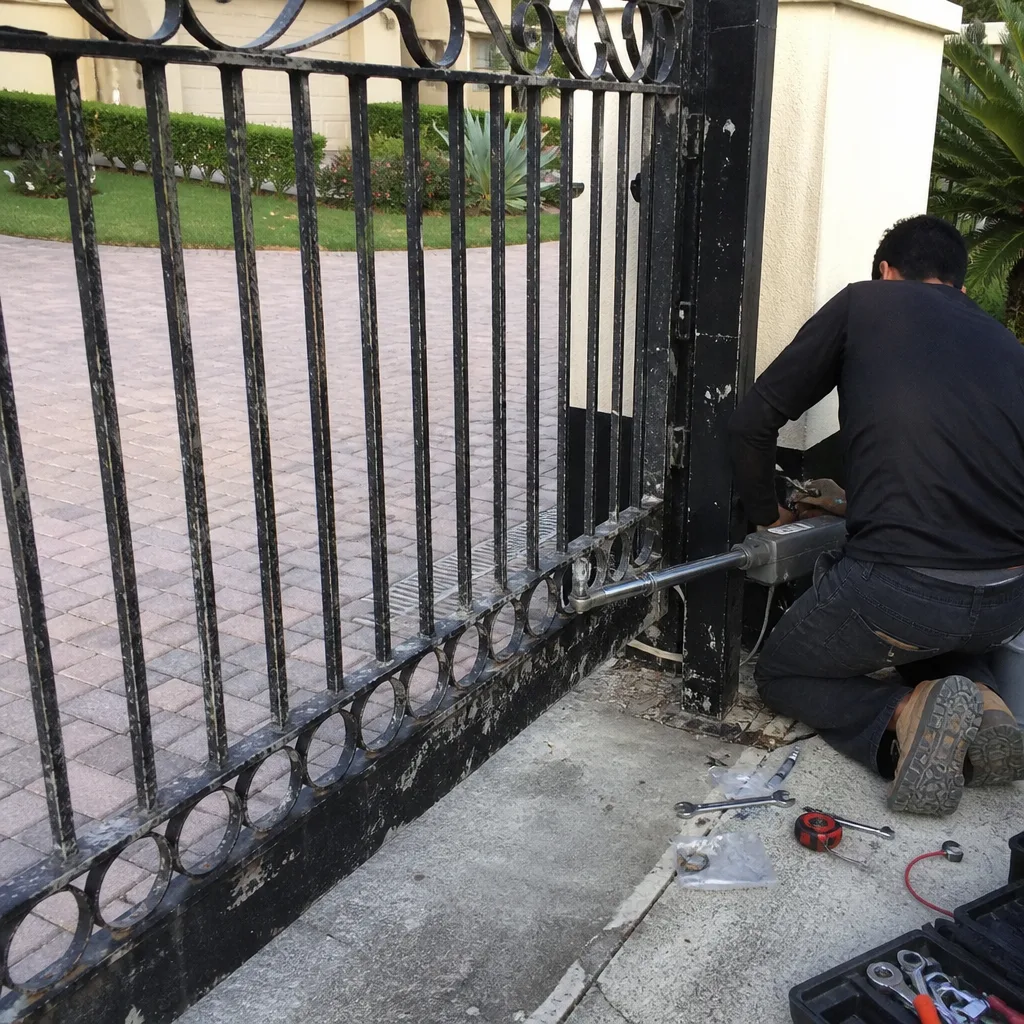 Before
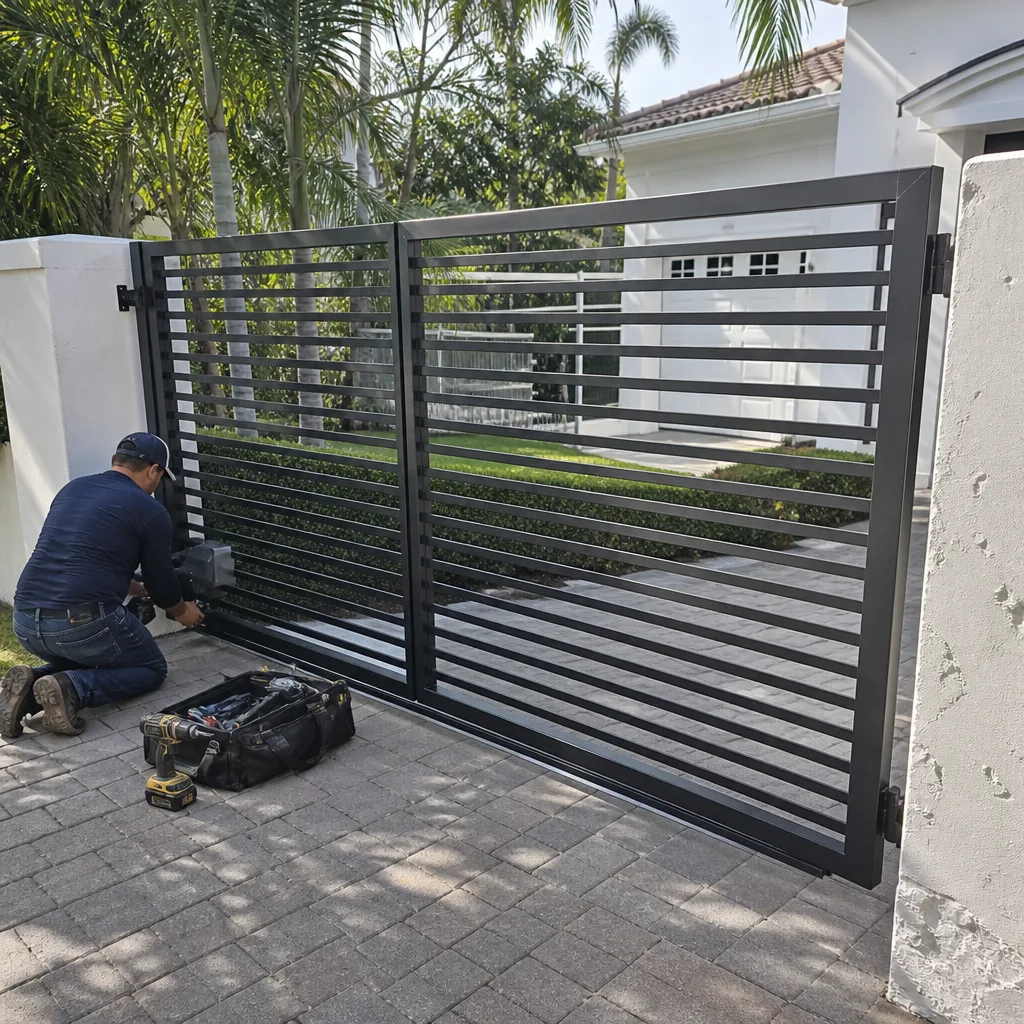 After
After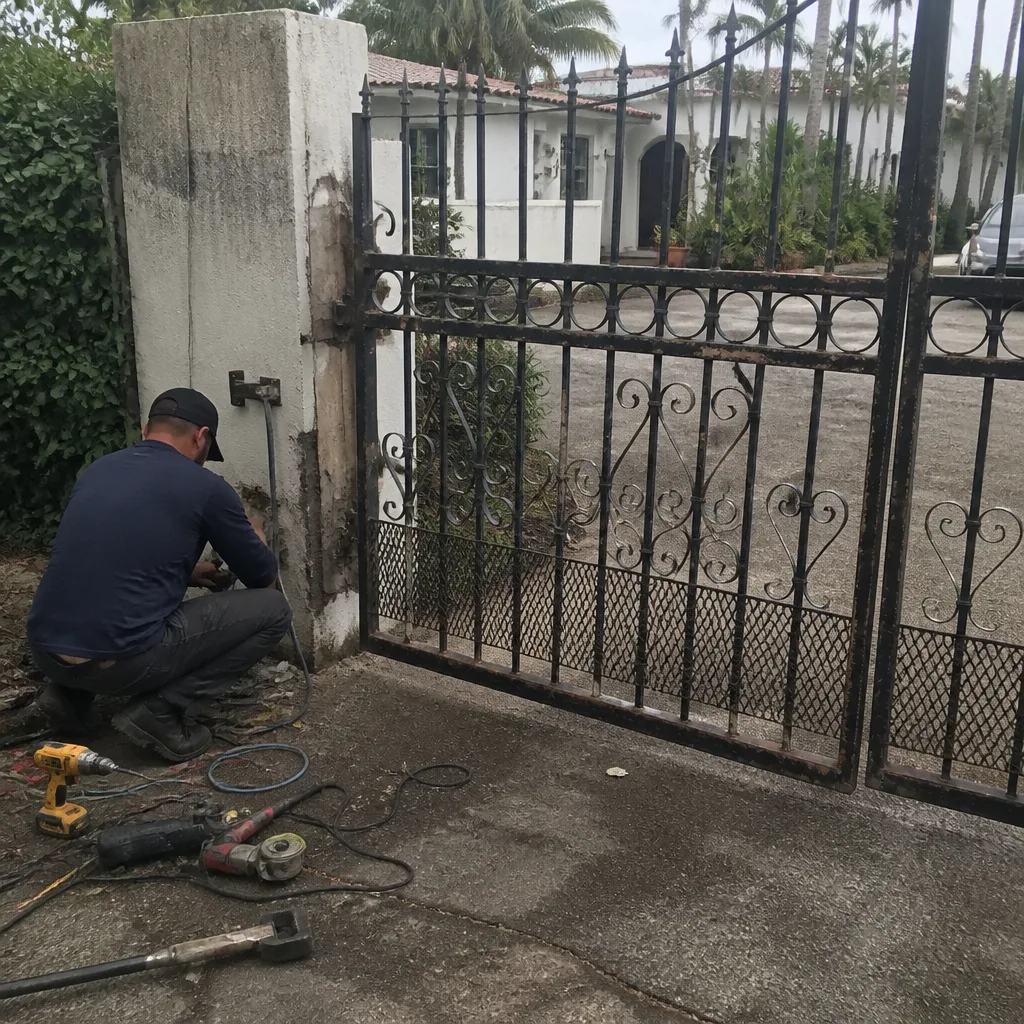 Before
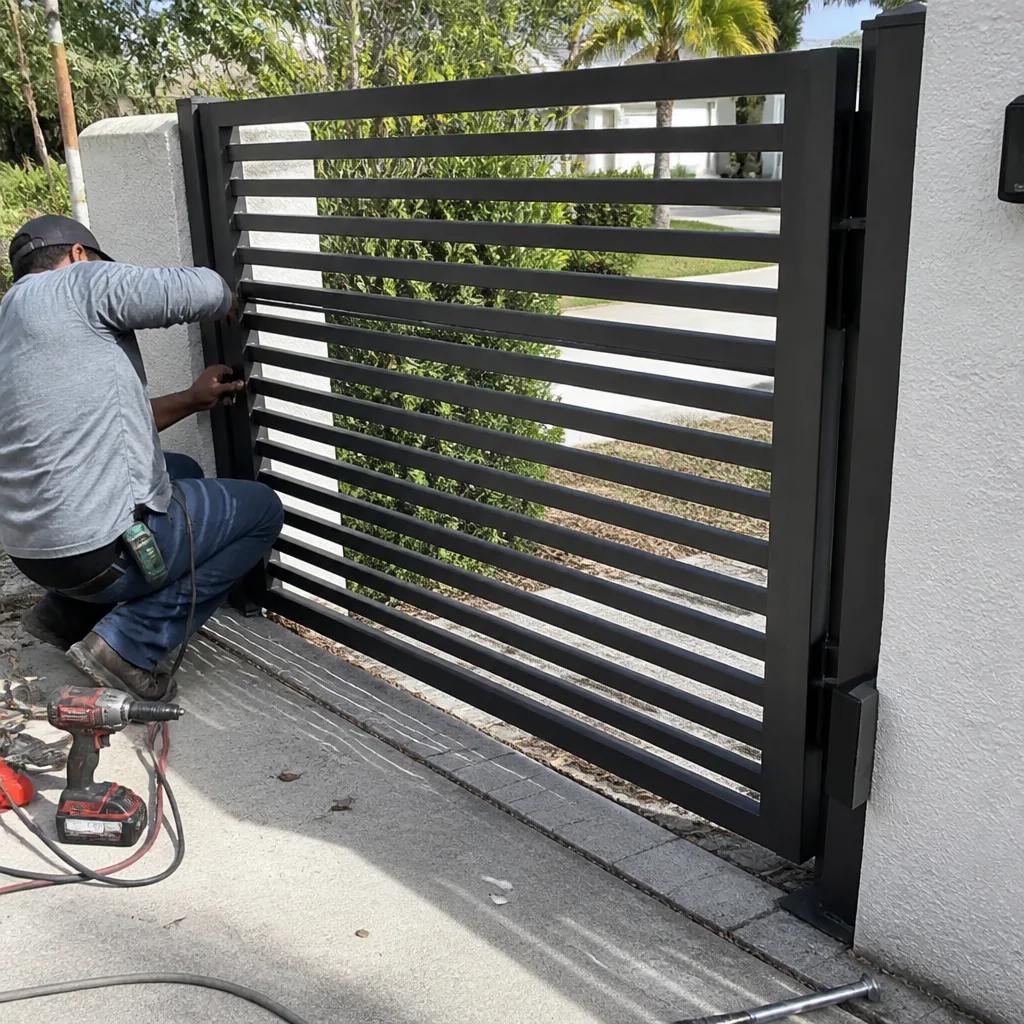 After
After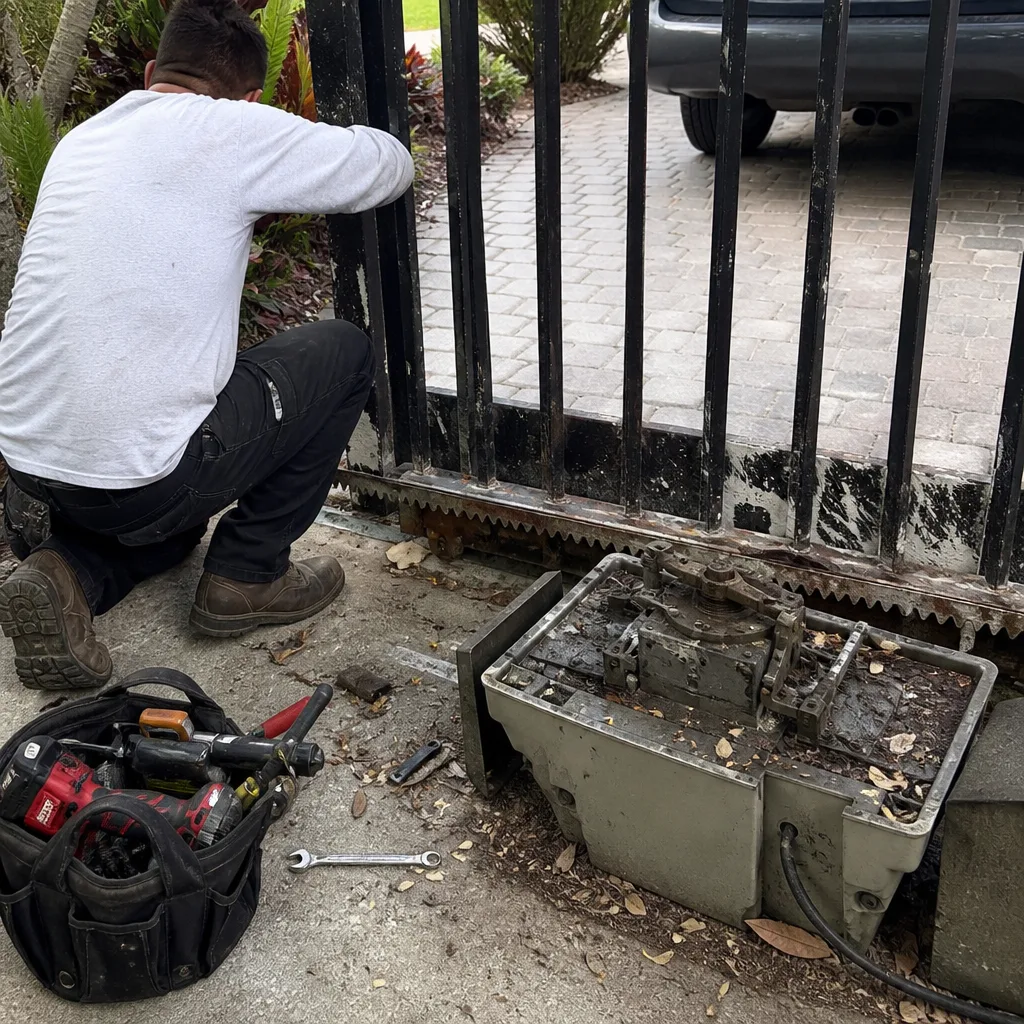 Before
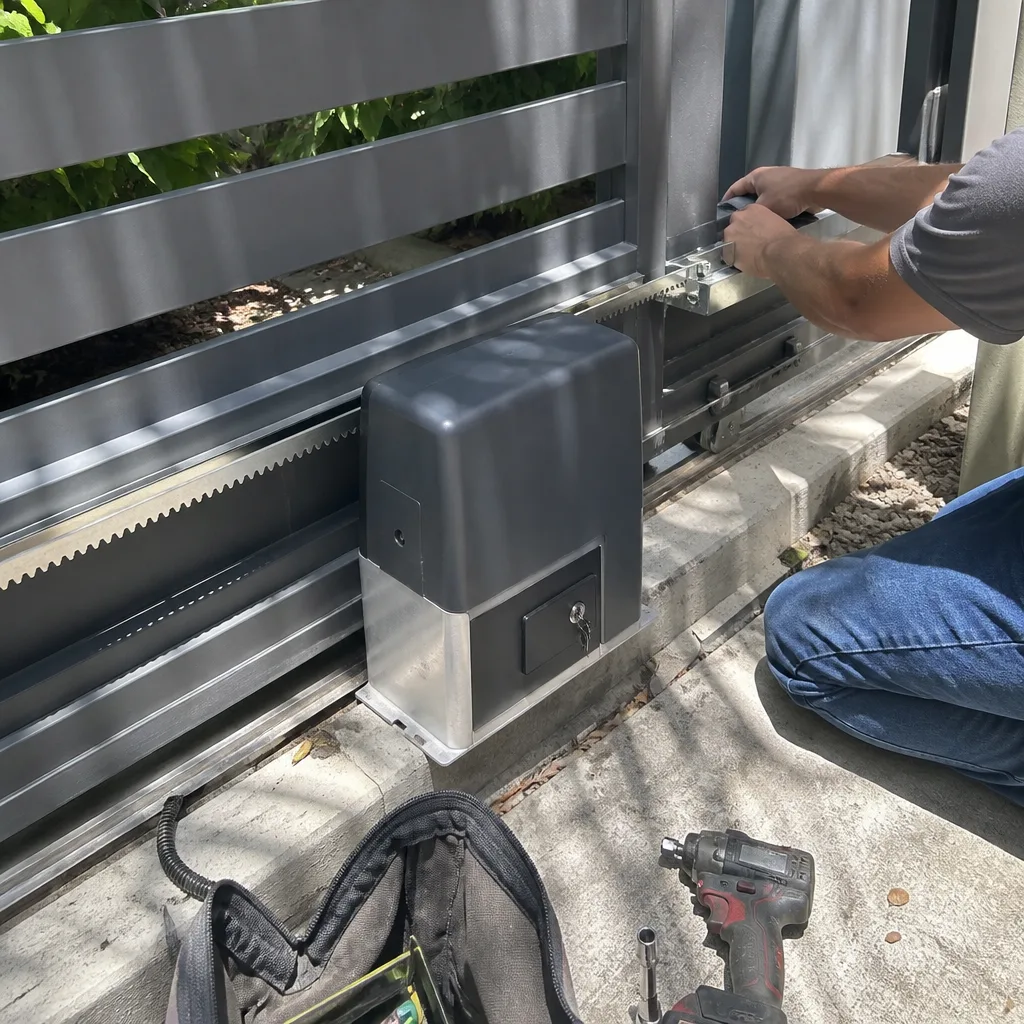 After
After